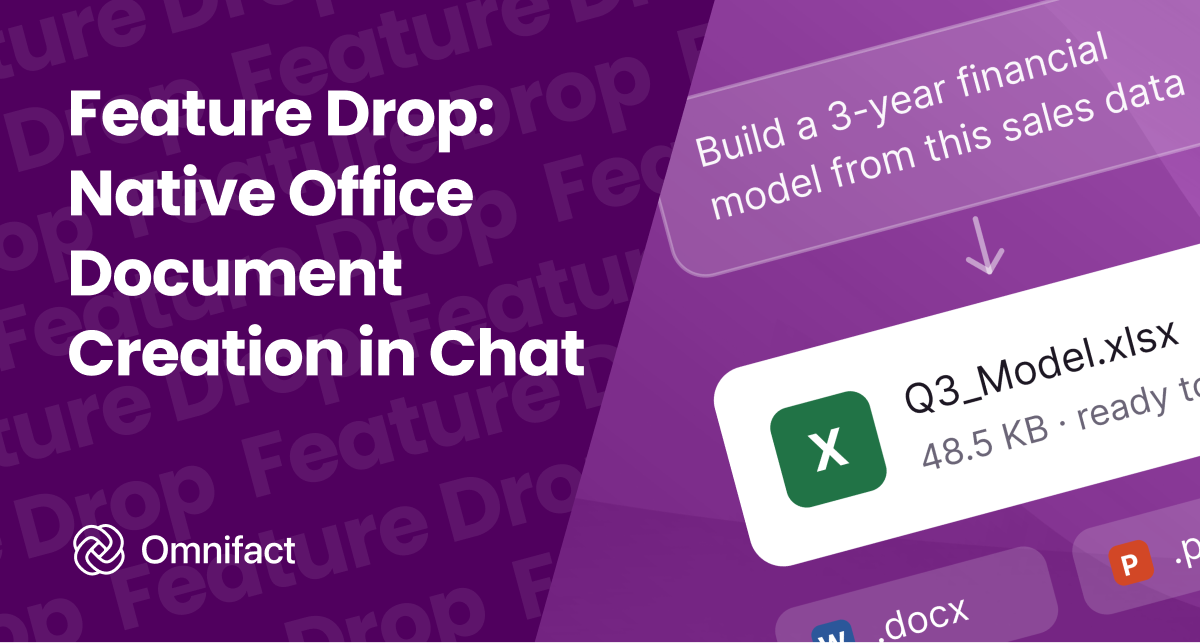
Generate ready-to-use Word, Excel, and PowerPoint files directly in chat.
Feature Drop: Native Office Document Creation in Chat
Published on September 15th, 2026
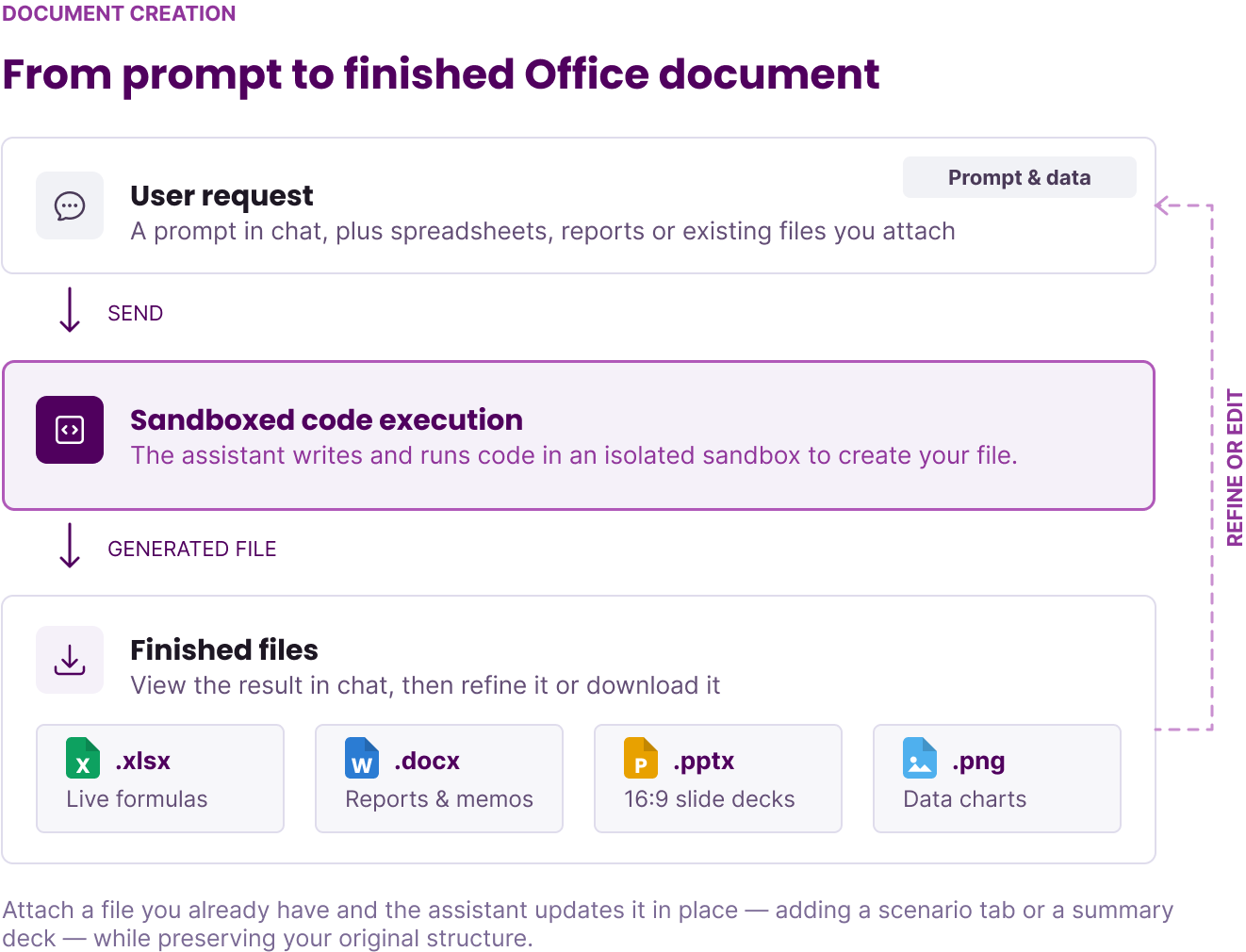
Starting today, Omnifact can generate finished, ready-to-use Word documents, Excel spreadsheets, and PowerPoint presentations directly in your conversation.
From financial models with working formulas to structured project memos and clean slide decks, your assistant can now deliver genuine Office files straight to your chat. Simply describe what you need or upload your source data, and Omnifact handles the calculations, styling, and file generation for you.
Real Office Files Ready for Work
Every generated file is a standard Office document formatted for business use. You can open, edit, and share them in Microsoft Office, Google Workspace, or Apple iWork without fixing broken styles or misaligned tables.
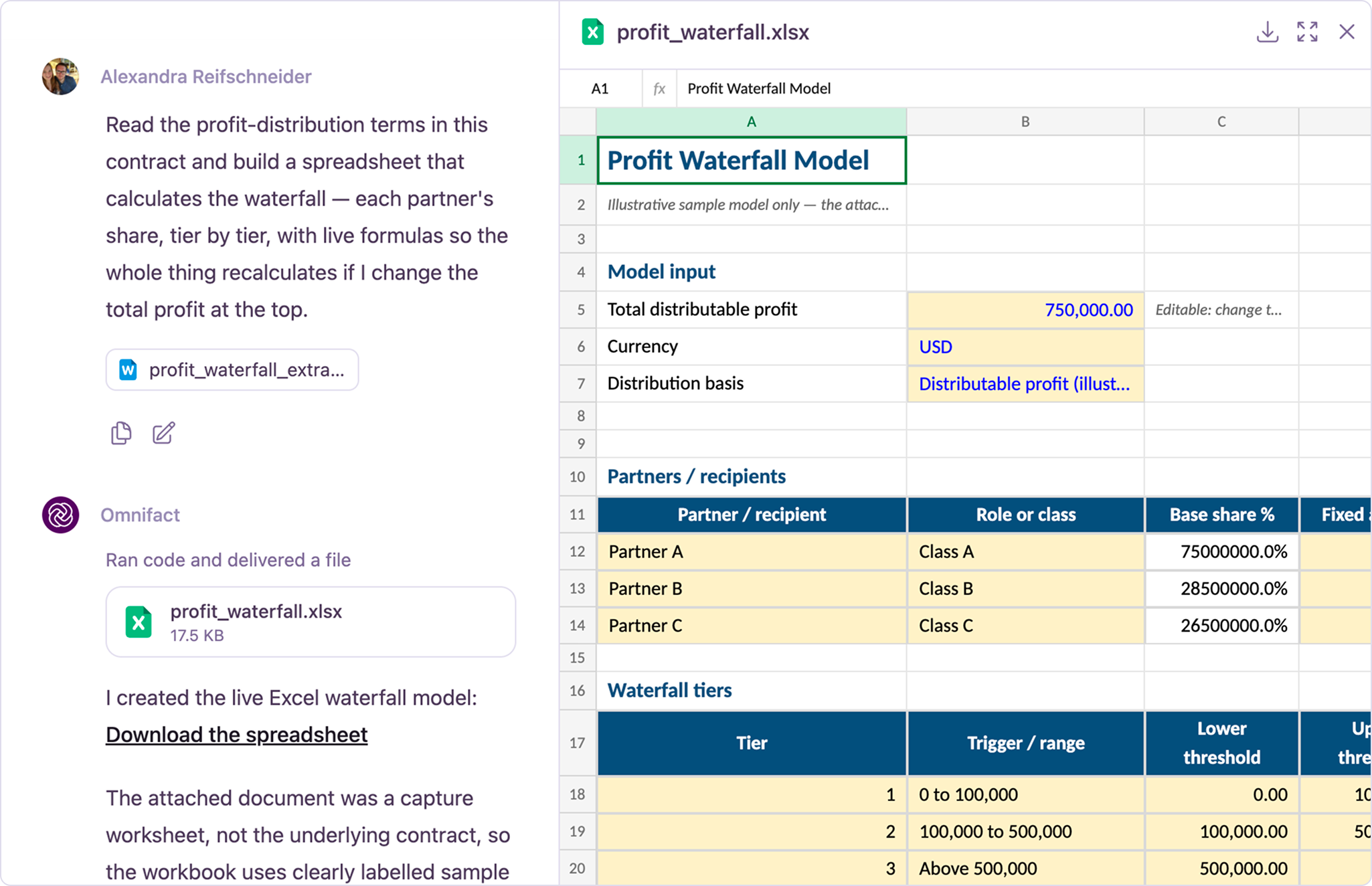
Excel Workbooks with Dynamic Formulas
Spreadsheets created in Omnifact (.xlsx) include active mathematical formulas rather than static values. When you update an assumption or change a sales figure, formulas such as SUM, IF, SUMIFS, and INDEX/MATCH recalculate automatically across the entire workbook.
The assistant formats your data with clean column widths, readable currency and percentage styles, and frozen header rows so large tables remain easy to navigate.
Formatted Word Documents and Memos
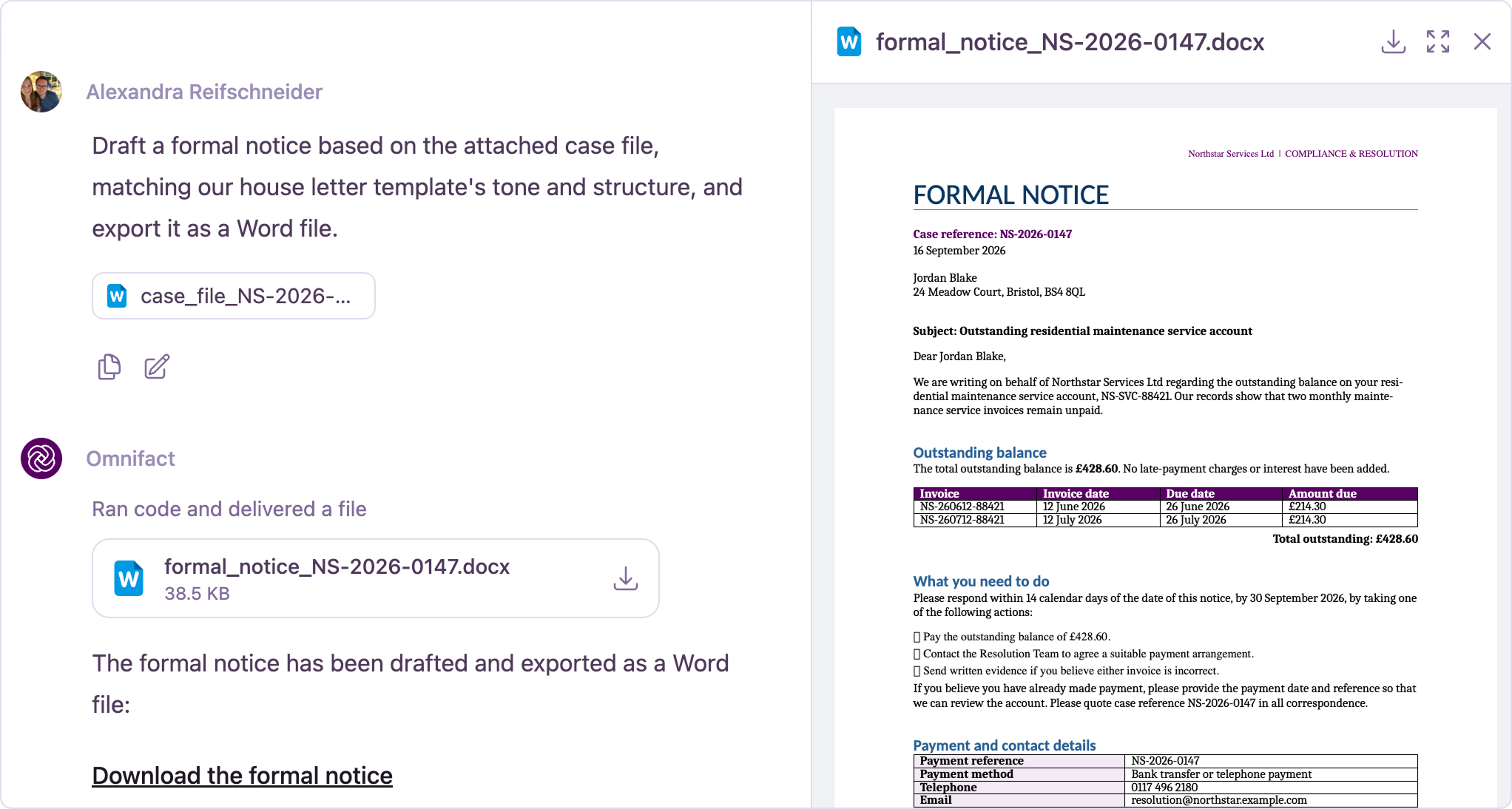
For project proposals, executive summaries, meeting protocols, and decision memos, Omnifact outputs a structured Word document (.docx).
The assistant applies consistent heading styles, clean margins, and styled tables. You can paste unformatted meeting notes, connect folder context using Folder Uploads, and receive a polished document ready for review.
Clean PowerPoint Decks
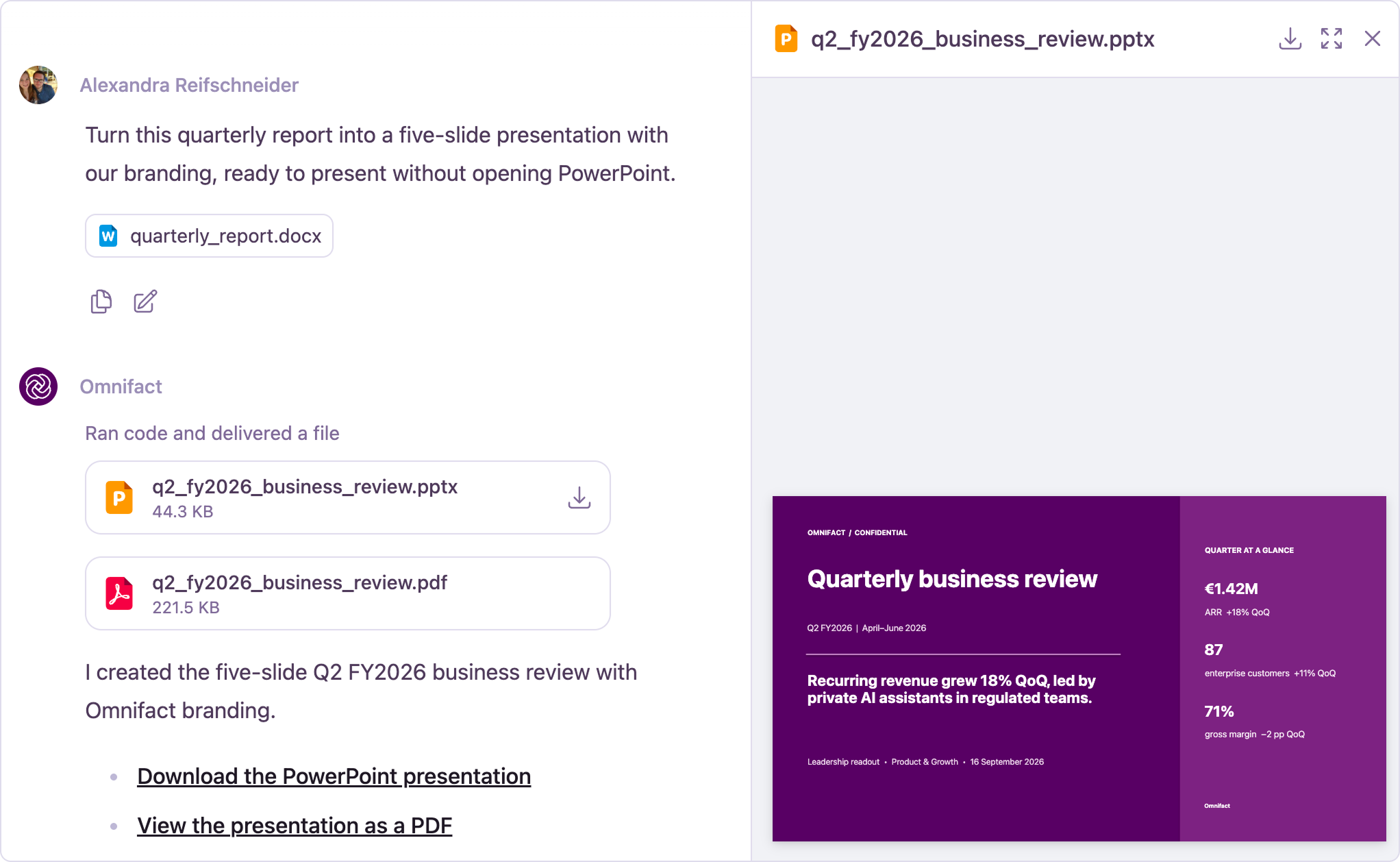
Presentations generated by Omnifact (.pptx) use standard 16:9 widescreen slides. Each slide highlights a single core idea with readable typography and balanced spacing.
You receive clear content layouts, comparison tables, and metric callouts that you can present immediately or customize to your team's visual branding.
Built-in Data Analysis and Visual Charts
Document creation also extends to data analysis. You can upload spreadsheets, CSV files, or database exports and ask analytical questions in plain language.
Omnifact processes your numbers, calculates summary metrics, and generates custom charts directly in your chat thread. You can request bar charts, trend graphs, and distribution plots that render inline and come ready to download as image files.
Update and Expand Existing Files
You can upload your existing files and ask the assistant to update them. For example, you can attach an existing budget spreadsheet and ask for an extra scenario tab, or provide a PDF report and request a summary slide deck.
The assistant reads the original file, makes the requested additions or calculations, and returns an updated version while preserving your original structure. Combined with Connected Sources and Inline Sources, you can pull verified facts from your team knowledge base directly into newly generated documents.
Enterprise Security and Privacy
All document generation takes place in isolated, private environments dedicated to your conversation.
- Ephemeral Environments: Temporary processing sessions reset automatically so your conversation data stays isolated.
- Team Access Controls: Administrators can manage document creation permissions across user groups to match organizational guidelines.
- Quality Checks: The assistant verifies formulas and file structures before delivery so you receive dependable files.
Start Creating Documents Today
Document creation is rolling out today as an experimental feature to all teams with it enabled. Start a chat, describe what you need, and let Omnifact deliver your finished document.