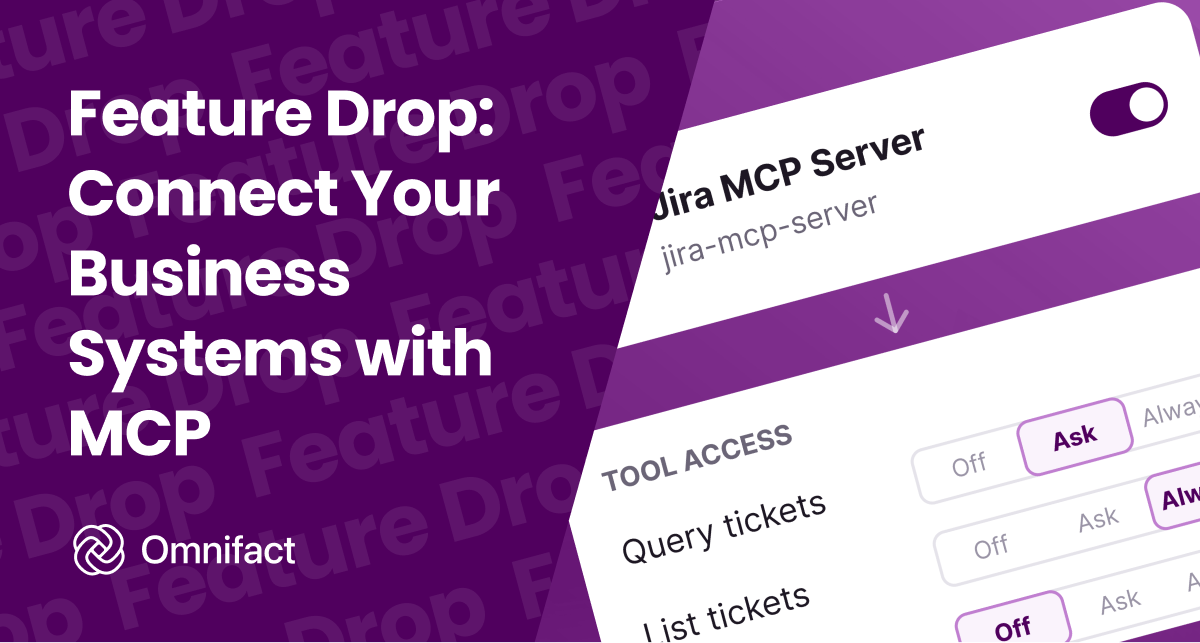
Connect internal systems and business software to Omnifact using open-standard MCP servers.
Feature Drop: Connect Your Business Systems with MCP Servers
Published on September 15th, 2026
Most workplace AI assistants operate in isolation from company systems. They cannot query internal databases, inspect records in a CRM, or update business software without custom integration projects.
Today, Omnifact launches native support for Model Context Protocol (MCP) servers. Administrators can now connect existing business systems directly to Omnifact. Depending on the connected server, our autonomous chat agents can then query organizational data or use external tools, for example. Administrators decide which servers and tools are available.
An Open Standard Without Vendor Lock-In
Connecting workplace AI to internal software previously required bespoke API wrappers or closed vendor ecosystems. MCP replaces that fragmentation with a single, open connection layer between AI models and external data sources.
Because MCP is an open standard, your organization avoids vendor lock-in. You can connect off-the-shelf MCP servers from software providers or deploy lightweight internal servers for proprietary databases. Because these integrations connect at the platform level, switching default models or adding new frontier reasoning tiers never disrupts your existing connections.
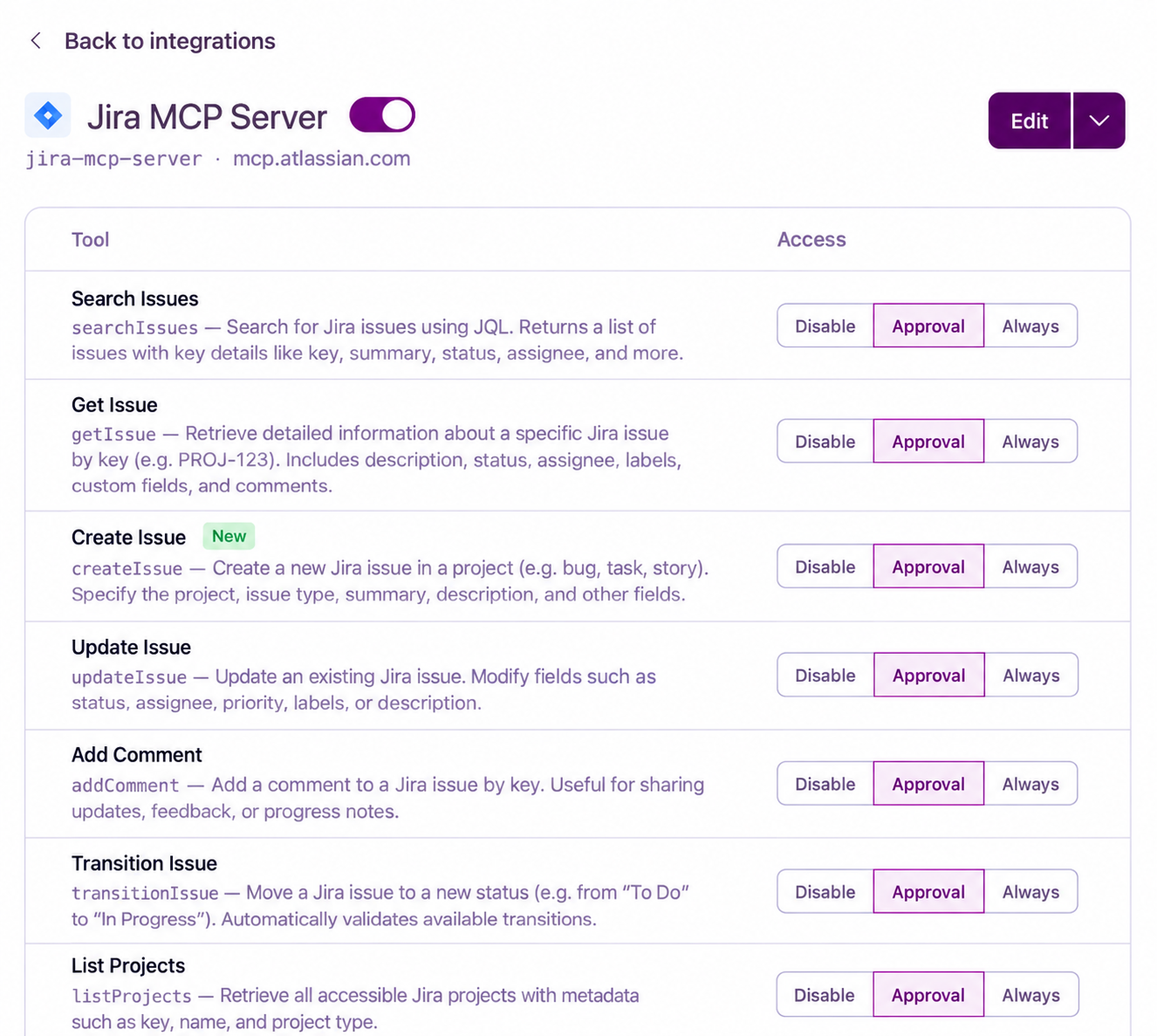
Today, Omnifact supports remote MCP servers over HTTP authenticated with an API key or a custom header. Once connected, Omnifact automatically discovers available tools and registers their schemas for agent use.
Total Governance and Access Control
Opening external systems to AI agents demands clear administrative boundaries. Omnifact gives IT teams complete authority over which tools run and how they execute.
Every tool an MCP server exposes runs under an explicit policy chosen in settings.
- Always runs safe, read-only lookups like documentation queries or status checks autonomously.
- Approval pauses write operations and sensitive updates until someone confirms the call in chat.
- Disable keeps a tool off-limits and hides its schema so models never see it.
For state-changing actions, an interactive approval banner appears directly in the chat composer. Team members can inspect the tool name, target server, and parameter payload before approving or declining the run.

External MCP servers communicate directly with your configured endpoints, meaning external tool calls bypass the Privacy Filter in both directions. Administrators maintain full control over which servers are added and which tools are enabled for their workspace.
Connect Your Systems Today
MCP server support is available today across all Omnifact plans.
If you are evaluating Omnifact and want to see how your internal databases and SaaS tools connect, get in touch with our team for a guided walkthrough, or configure your first MCP connection directly in Team Settings under Integrations.