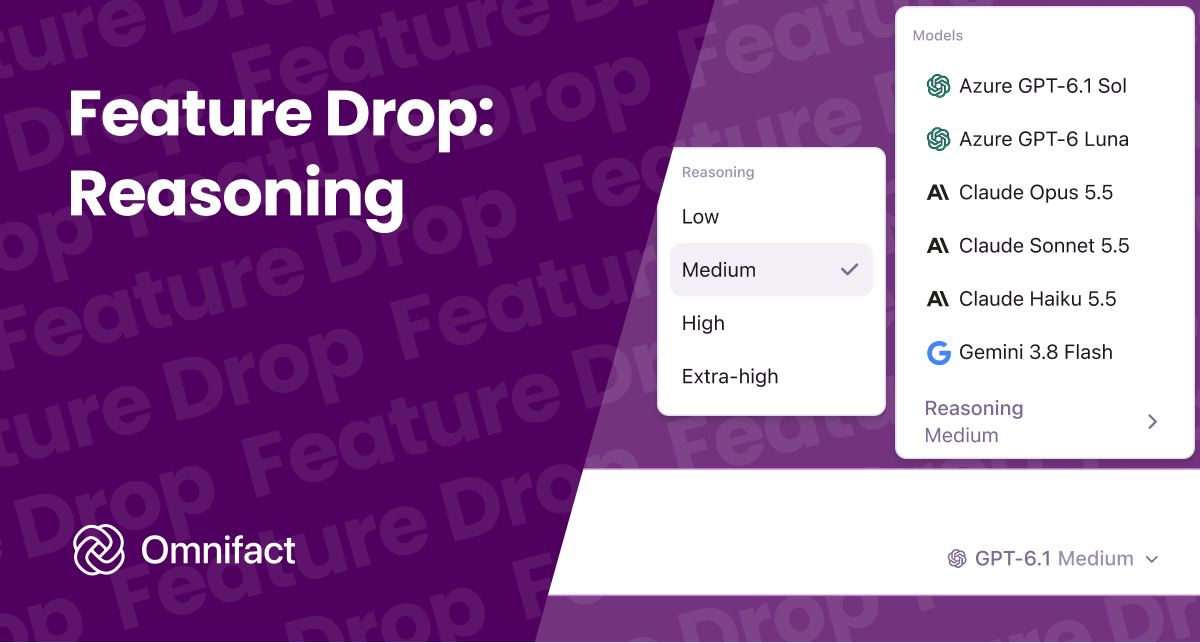
Choose between Low, Medium, High, and Extra High reasoning directly in the Chat Input model picker.
Feature Drop: Reasoning
Published on October 8th, 2026
Not every task requires the same amount of thought. A quick email translation or text summary benefits from an instant reply, while an intricate contract review or technical problem requires careful deliberation.
Starting today, we've introduced adjustable Reasoning for your models in Omnifact. You can now choose how deeply models think before answering, giving you direct control over speed and depth.
Pick the Right Depth for Your Work
When using reasoning-capable models such as OpenAI GPT-6, Google Gemini 2.5 and 3, or Claude Haiku 5.5, you can dial the thinking level up or down to fit the job:
- Low: Minimal thinking time for rapid answers. Best for quick drafts, routine formatting, translations, and everyday tasks where speed matters most.
- Medium: A balanced default that provides structured, well-verified answers without noticeable delays.
- High and Extra High: Gives the model time to work through multi-step logic, cross-check details, and tackle difficult questions. Well suited for technical analysis, complex calculations, and policy reviews.
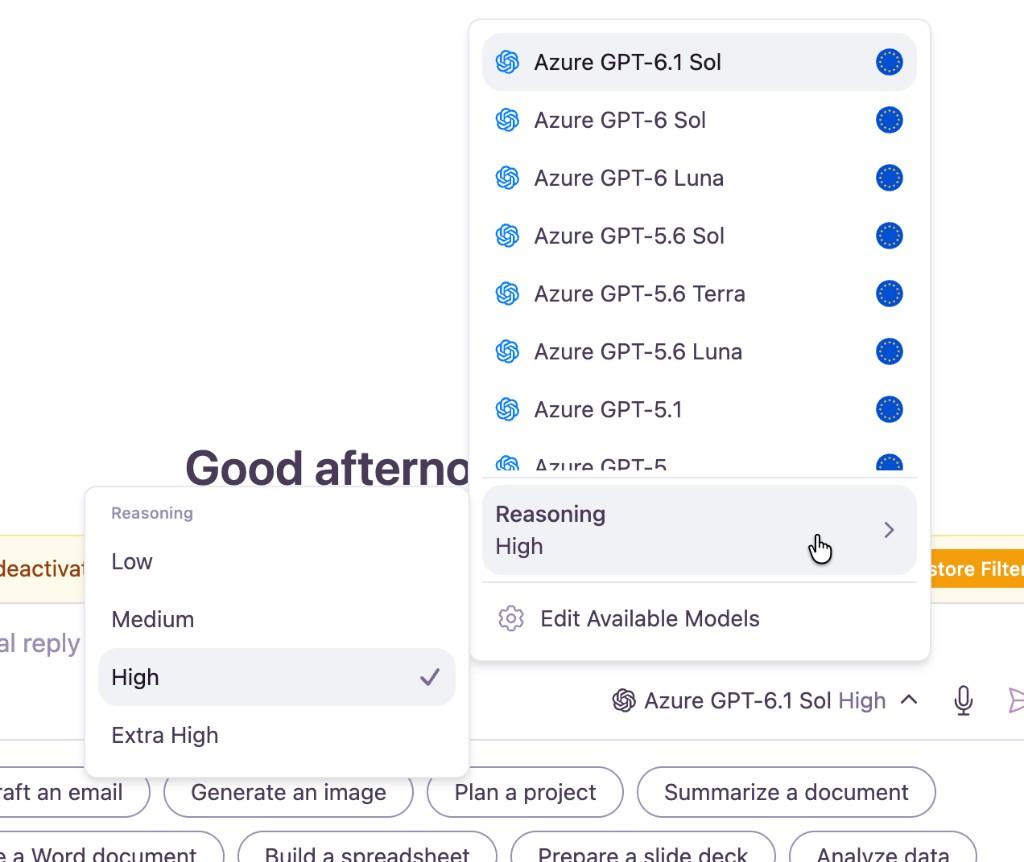
Right Inside the Model Picker
Reasoning controls sit directly inside the model picker in the Chat Input, right where you write your prompt.
When you select a model that supports reasoning, a new Reasoning row appears with the levels that model accepts. The composer button also shows your active level next to the model name so you always know your current setting.
Omnifact remembers your preference per model. You can keep a fast model like Claude Haiku 5.5 on Low for quick everyday work, while setting Claude Opus 5.5 to High or Extra High for deep analysis. Whichever level you choose, when enabled, every prompt, retrieved document, and internal thinking step is protected by our Privacy Filter before reaching external models.
Available Today
Reasoning is available today for all organizations on Omnifact. Open a new chat, pick a reasoning model in the Chat Input, and try it on your daily workflows.