Speak your thoughts directly into Chat Input with real-time speech-to-text dictation.
Feature Drop: Dictate Messages in Chat Input
Published on July 31st, 2026
Typing out long, complex prompts can slow you down when you want to capture a train of thought quickly.
Starting today, you can dictate messages directly into Omnifact using speech-to-text. Instead of typing everything out by hand or switching to unsanctioned voice apps, speak your prompt into the composer, review the transcribed text, and make quick edits before sending.
How Dictation Works
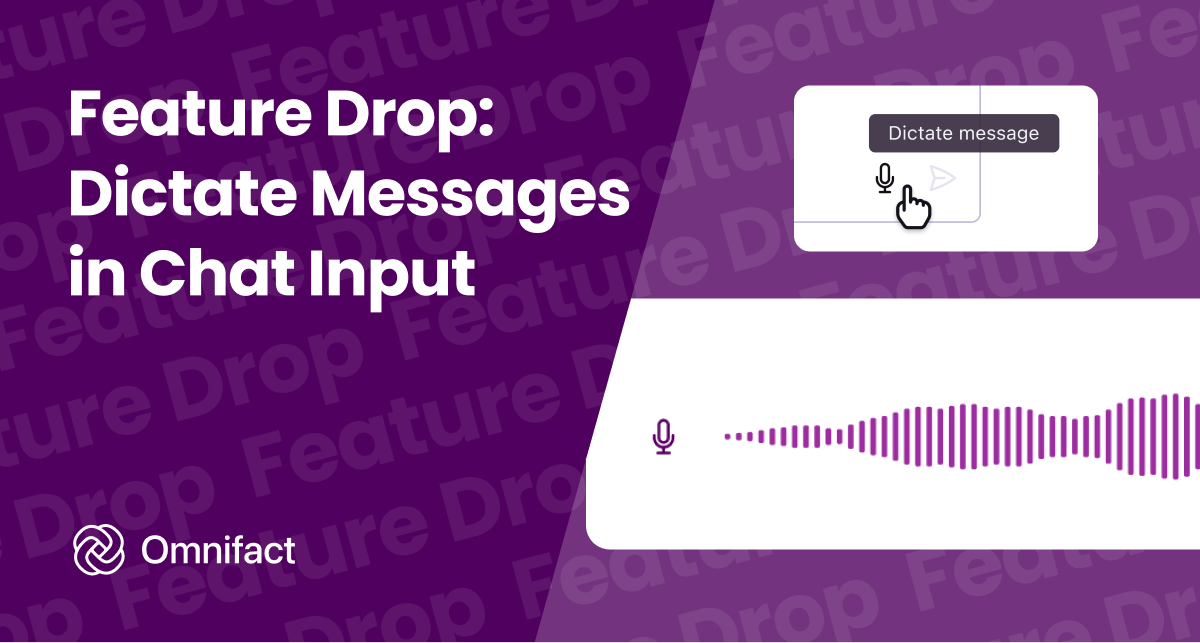
To start, click the microphone icon in Chat Input. An interactive overlay appears with a live audio visualizer that confirms your microphone is picking up sound.
While speaking, you remain in complete control:
- Finish: Click the checkmark to transcribe your voice in seconds.
- Discard: Click the cancel icon or press Escape to cancel without saving.
- Review and edit: The transcribed text appears directly in the chat input, so you can adjust phrases, add formatting, or attach files before sending.
Sessions support recordings up to five minutes, giving you plenty of time to explain intricate background context.
Governance and Privacy
Voice input requires clear enterprise boundaries. Administrators manage dictation as an opt-in capability through Group Management, assigning the Dictate Messages permission only to the teams that need it. Speech-to-text runs through an active Azure OpenAI connection with European data residency.
Because speech-to-text processes raw audio streams, audio recordings bypass the Privacy Filter during transcription. This makes the review step in Chat Input essential: you can inspect the transcript and edit sensitive details before dispatching the prompt. Once sent, your message follows the standard enterprise pipeline with full Privacy Filter protection.
Try It Today
Dictate messages is available today in Omnifact workspaces with the capability enabled in the group settings. Open any chat, click the microphone icon in Chat Input, and start speaking your prompts.