Group Management in Omnifact
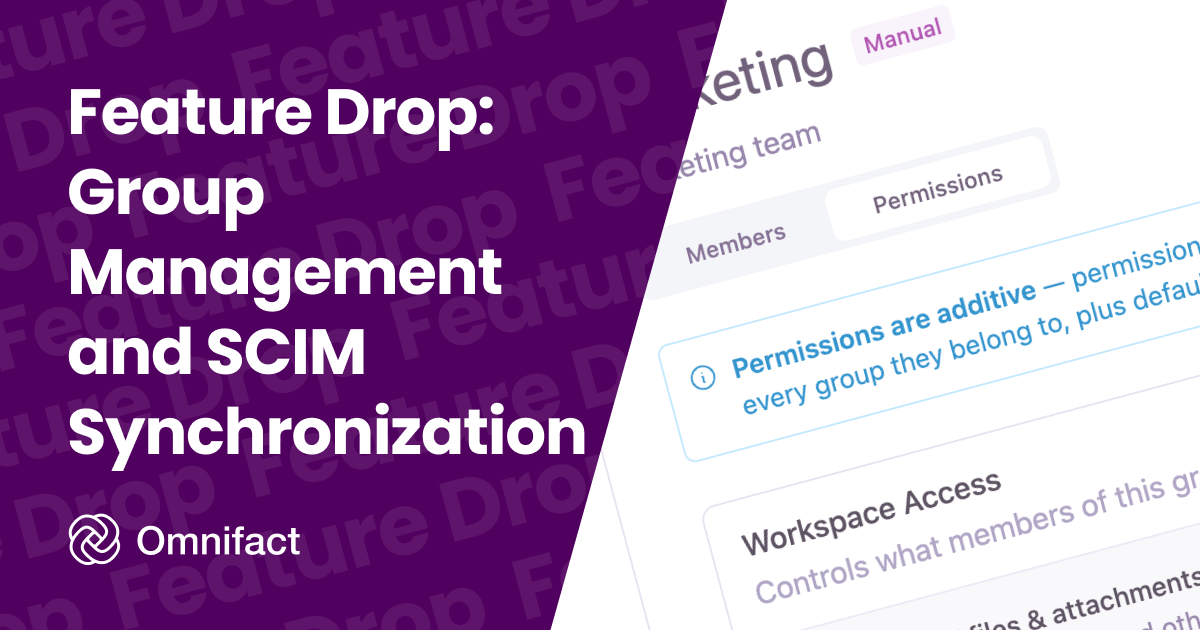
Feature Drop: Group Management and SCIM Synchronization
Published on July 9th, 2026
Managing individual permissions becomes a bottleneck as your team grows. To solve this, we are introducing Group Management to Omnifact. You can now grant specific chat capabilities, model access, and Space access to entire departments or teams at once.
For organizations on our Enterprise Plan using Single Sign-On (SSO), this update includes SCIM synchronization. When you connect your Identity Provider, such as Microsoft Entra ID, Okta, or Google Workspace, your internal directory groups automatically mirror into Omnifact. This keeps user access up to date as people join, move, or leave your company.
Additive Permissions
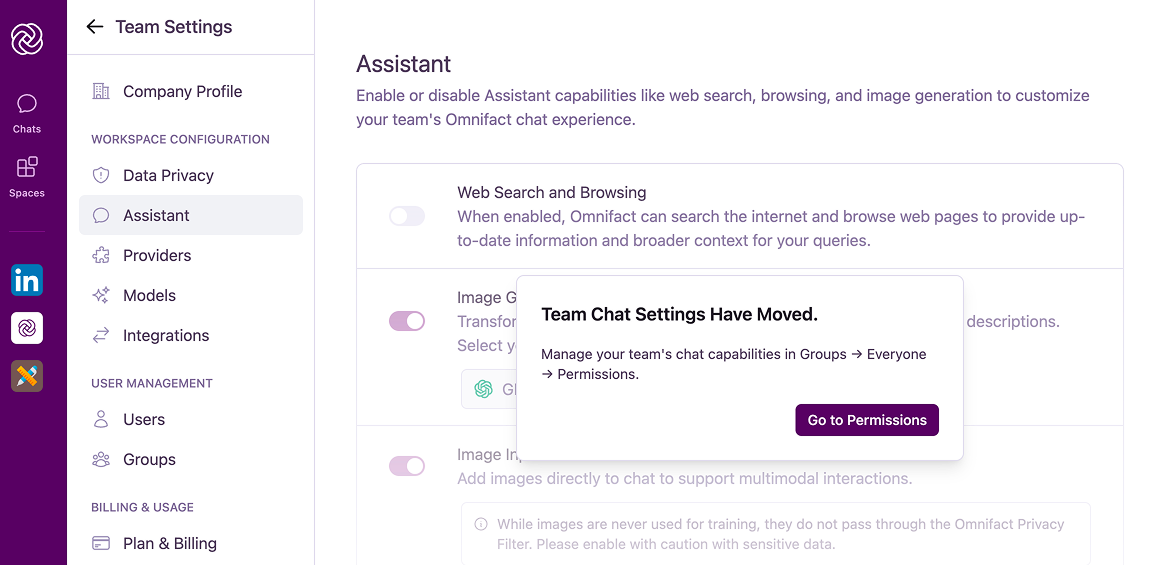
Groups use an additive permission model. A user receives the union of all capabilities granted by every group they belong to. You can set a baseline of access for everyone using the built-in "Everyone" group, which now replaces the old Assistant menu where admins previously controlled chat capabilities. From there, you can use specific groups to add capabilities like premium model access or web search for the teams that need them.
Share Spaces with Groups
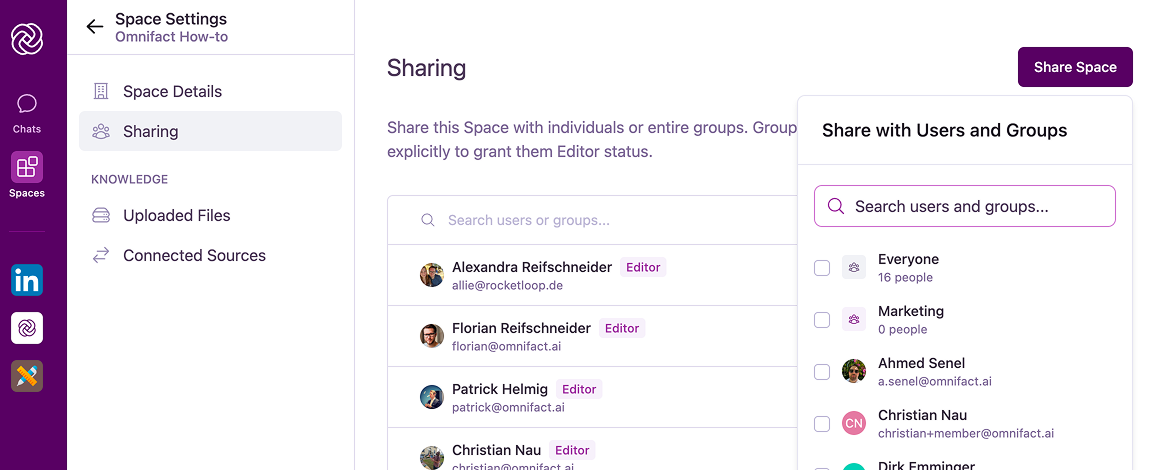
Instead of inviting users to a Space one by one, you can now share a Space with an entire group. This makes it simple to ensure your Data Science team has access to the right knowledge bases, or that your Marketing team has the right custom instructions ready to go.
Granular Control
You have full control over what each group can do. You can enable file uploads and web search, or grant access to premium models. This lets you tailor the Omnifact experience to fit the exact needs of different teams while maintaining strict security and compliance.
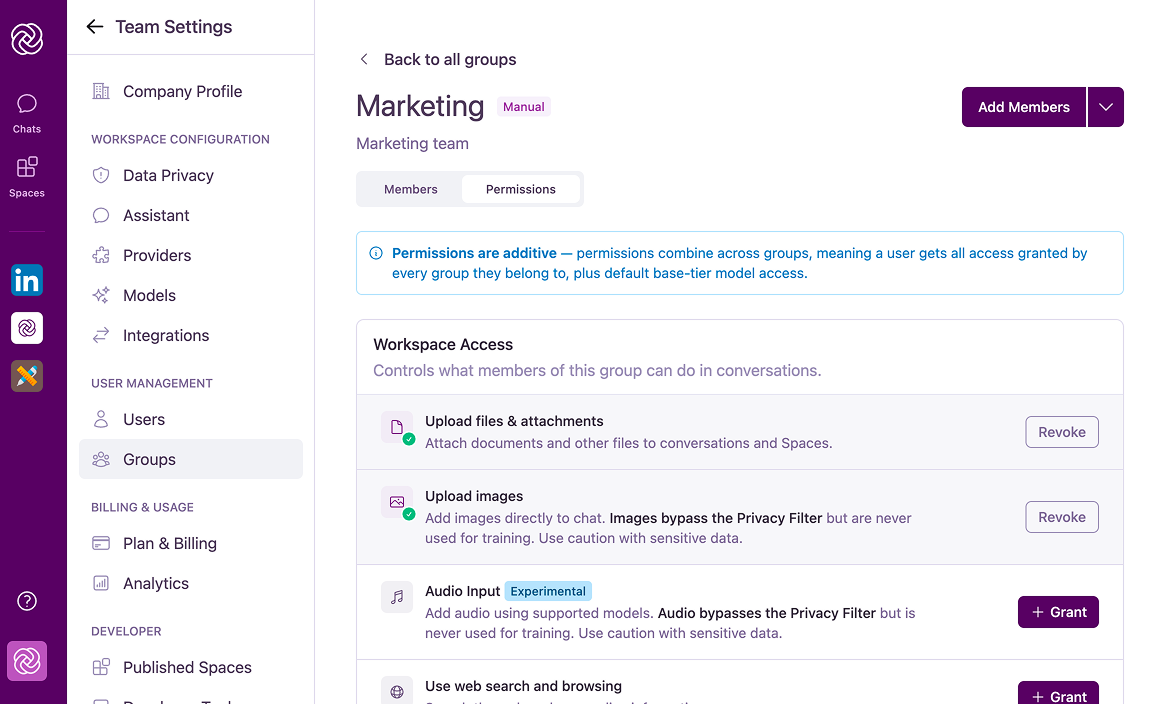
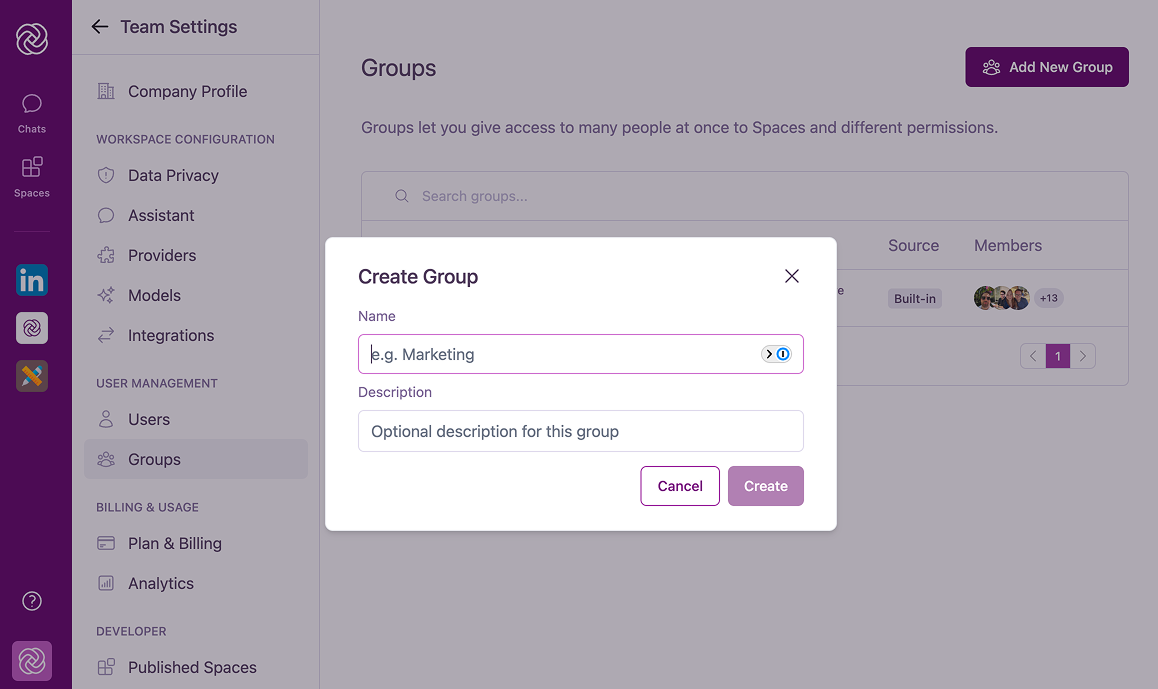
Head over to Team Settings > Groups to create your first manual group or set up your SCIM integration today.