GPT-Image-2 is now available in Omnifact image generation
Feature Drop: OpenAI GPT-Image-2 Now Available
Published on April 21st, 2026
OpenAI GPT-Image-2 is now available in Omnifact. Building on our earlier upgrade to GPT-Image-1 and the more recent GPT-Image-1.5 rollout, this update gives teams a stronger OpenAI default for image generation and image editing directly inside chat.
What Changes for Your Team
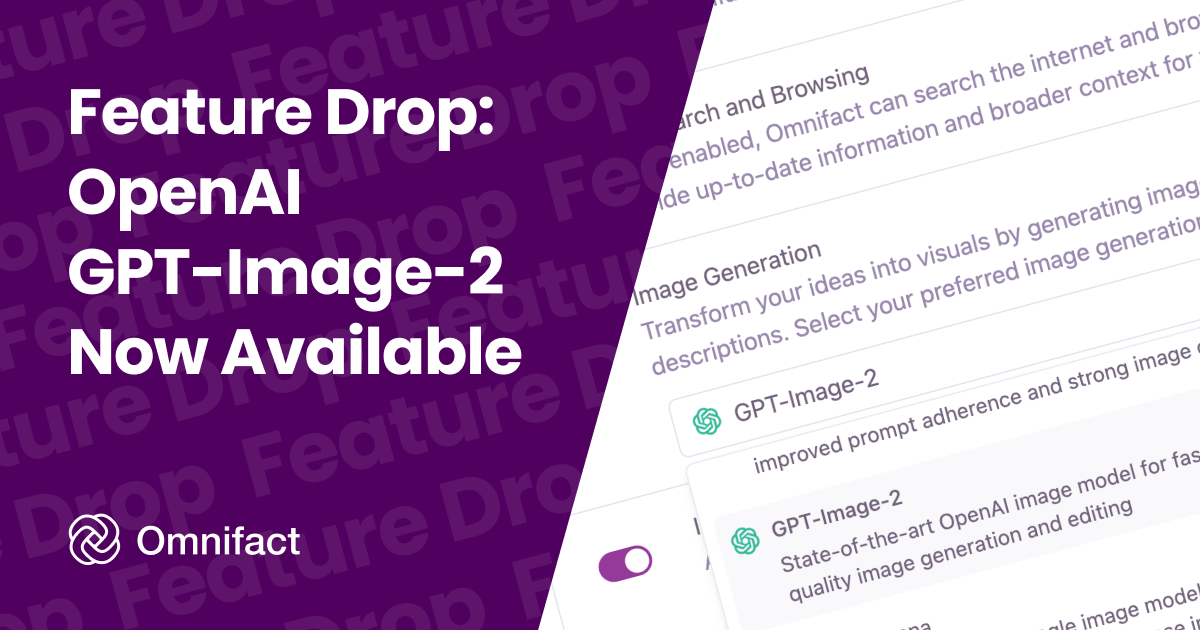
If your team uses OpenAI for image generation, Omnifact now prefers GPT-Image-2 by default. You can still keep GPT-Image-1.5, GPT-Image-1, or GPT-Image-1 Mini enabled for cost control and side-by-side comparison, but new OpenAI image workflows now start with the newest model first.
This keeps setup simple for teams that want the latest OpenAI image quality without manually revisiting their default model after every provider update.
Why GPT-Image-2 Matters
- Higher-quality results: GPT-Image-2 is OpenAI's newest image model and is positioned for stronger image generation and editing quality.
- Better default for OpenAI teams: If OpenAI is your preferred image provider, Omnifact now starts with the latest model automatically.
- Same editing workflow: Use the same prompt, reference image, and editing flow you already know in Omnifact.
- More flexibility: Older OpenAI image models remain available when you want to compare output quality, speed, or cost.
Start Using GPT-Image-2
Go to your Team Settings, open the Assistant tab, and select GPT-Image-2 as your image generation model to start using it. Older OpenAI image models remain available in the same dropdown if you want to keep using them for cost or comparison.