GPT-Image-1.5 and Nano Banana 2 are now available in Omnifact image generation
Feature Drop: GPT-Image-1.5 and Nano Banana 2 Image Models Now Available
Published on March 18th, 2026
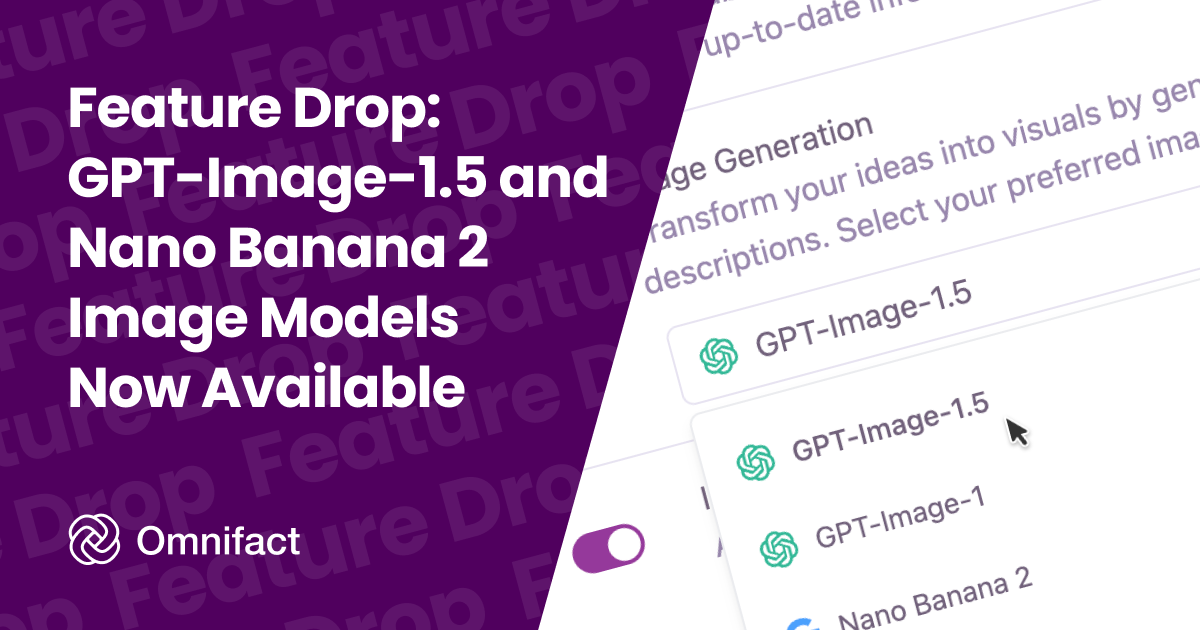
GPT-Image-1.5 and Nano Banana 2 are now available in Omnifact. GPT-Image-1.5 delivers better image quality than GPT-Image-1 while reducing generation cost, and you can use it for both image creation and image editing workflows in chat. In addition, we are expanding our Google image generation options with the new Nano Banana 2 model which replaces Nano Banana Pro as Google's newest image generation model.
What Changes for Your Team
Before this update, teams that wanted to stay on OpenAI image generation had one GPT-Image option in Omnifact. Now you can choose between GPT-Image-1 and GPT-Image-1.5, with v1.5 positioned as the stronger value option for quality and cost. Additionally, teams using Google models now have access to Nano Banana 2 for expanded visual styles and creative capabilities.
This helps teams test prompts across model versions, compare results side by side, and decide which models to keep as their default.
Key Benefits
- More model choice: Add GPT-Image-1.5 and Nano Banana 2 to your active model set without changing your provider setup.
- Better quality, lower cost: GPT-Image-1.5 improves output quality while being cheaper than GPT-Image-1.
- Expanded creative options: Use Nano Banana 2 to explore new visual styles and rendering capabilities from Google.
- Familiar workflow: Use the same image generation and image edit experience you already use in Omnifact.
- Simple team rollout: Team admins can enable these models in model management and make them available to everyone quickly.
Start Using Our New Models
Go to your Team's Assistant Settings, select the Assistant tab, enable GPT-Image-1.5 and Nano Banana 2, and start testing them with your current prompts and reference images.