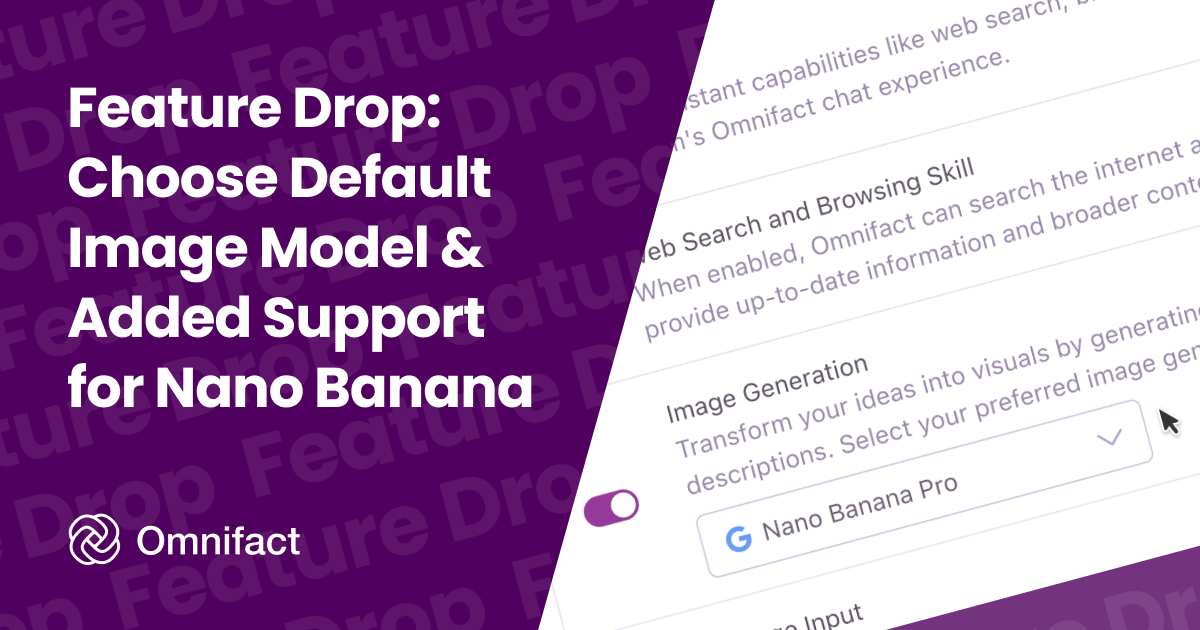
Configure your team's default image generation model in Team Settings
Feature Drop: Choose Default Image Model & Added Support for Nano Banana
Published on January 24th, 2026
We're giving you more control over how your team creates visuals. You can now select your preferred image generation model in Team Settings. To make this choice even more powerful, we've also added support for Google's Nano Banana image models, giving you a top-tier alternative to our existing support for OpenAI's models.
Control for Team Admins
Different teams have different needs. Whether you prioritize photorealism, specific artistic styles, or cost efficiency, you should be able to choose the tool that fits best.
We made it easy to configure the default image generation model via Team Settings. All you need to do is navigate to Team Settings, select the "Assistant" tab, and then select the preferred provider and model for image generation.
This ensures that your team always uses the model that aligns best with your organization's preferences and requirements.
New: Google's Nano Banana Image Models
Alongside this new setting, we are excited to expand your options with Google's Nano Banana image generation models. With Nano Banana now available as an option, you can test how different image generation models interpret your prompts and choose the one that works best for you.
Explore the Available Models
With these updates, you can now choose from a powerful lineup of image generation models:
- GPT-Image-1: OpenAI's flagship model, known for its versatility and photorealistic results.
- Nano Banana: A high-speed, creative model perfect for rapid iteration and stylized outputs.
- Nano Banana Pro: The premium version for professional workflows, featuring higher resolution, intricate detail retention, and advanced composition control.
Available Now
These updates are available starting today. Head over to your Team Settings to configure your default model and start creating!