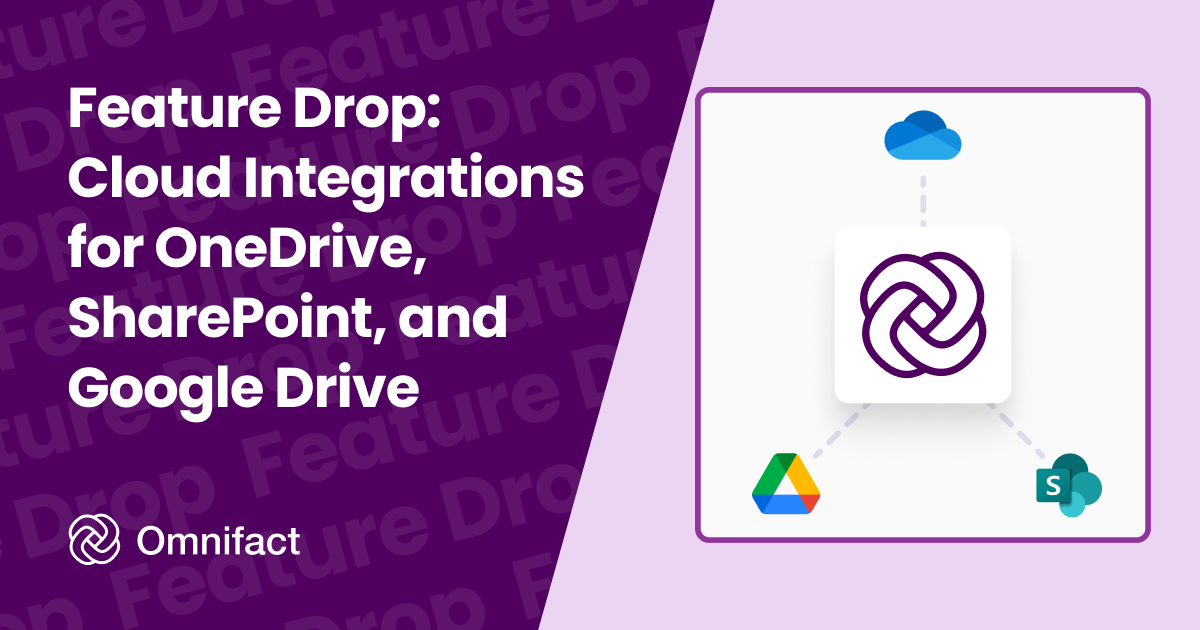
Connect your cloud storage providers directly to Omnifact for seamless file access.
Feature Drop: Cloud Integrations for OneDrive, SharePoint, and Google Drive
Published on December 12th, 2025
Update (May 30, 2026): Cloud Integrations have evolved into Connected Sources, bringing automatic syncing and indexing for your cloud folders directly into your Spaces.
Connecting your organization's knowledge to AI should be effortless. That's why we're introducing Integrations, which allows you to directly connect your cloud storage accounts - OneDrive, SharePoint, and Google Drive - to Omnifact.
Streamline Your Workflow
Previously, using files from your cloud storage meant manually downloading them to your device and then uploading them to Omnifact. With Integrations, you can browse and select files directly from your connected accounts. Whether you are adding context to a Chat or building a robust Knowledge Base, your files are now just a few clicks away.
Key Benefits
- Direct Access: Connect your OneDrive, SharePoint, or Google Drive account once and access your files anytime.
- Enhanced Knowledge Bases: Quickly populate your Knowledge Bases with relevant documents directly from your cloud storage.
- Seamless Chat Context: Pull in specific files during a chat session to give the AI immediate context.
- Smart Filtering: When browsing OneDrive, Omnifact automatically shows you only the supported document types, ensuring you always know which files are ready for use.
Admin Control and Security
We understand that control is critical for your organization. Your Integrations are fully managed by your Team Admins.
- Admin-Enabled: Integrations must be explicitly turned on by an admin in the Team Settings.
- Granular Choice: Admins can choose exactly which providers (OneDrive, SharePoint, or Google Drive) are available for the team.
Get Started
Ready to connect your data? Team Admins can head to Team Settings to enable Integrations today. Once enabled, you'll see the option to connect your accounts whenever you add files to a Chat or Knowledge Base.
For more details, check out our documentation on Integrations. If you want to connect an even broader range of business tools to your environment, read our guide on Unlocking AI's Full Potential: How MCP Connects Your AI to Everything.